
Teaching in 2026 looks a lot different from it did a few years ago, thanks to the rapid growth of EdTech tools. Whether you’re managing lessons, tracking student progress, or trying to make classes more engaging, there’s a tool out there to help. In this list, we’ve picked some of the best EdTech tools that teachers can start using right away.
8 Best EdTech Tools for Educators in 2026
Here is a practical list of tools that can actually support your day-to-day teaching work:
1. Pathwright
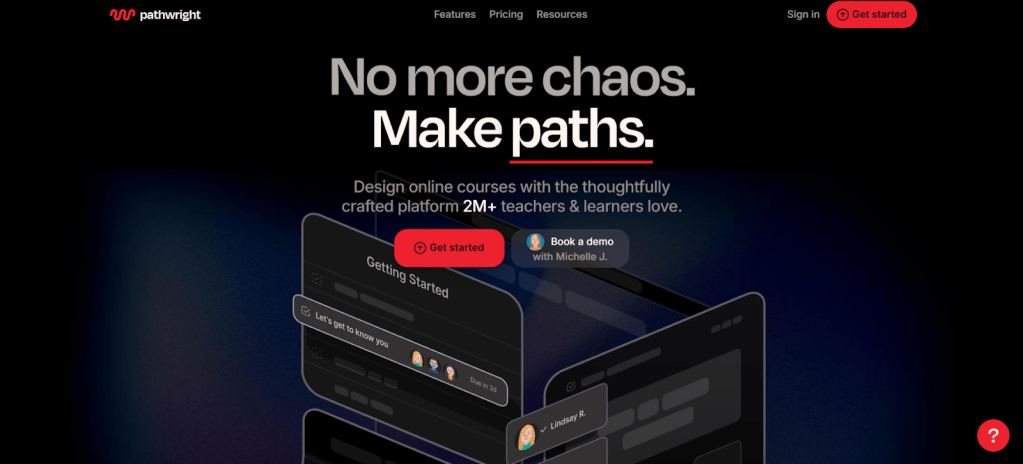
Pathwright is an online teaching platform where you can design step-by-step digital lessons called “paths.” These paths let you organise videos, readings, assignments, and quizzes all in one place, so students always know what to do next. Whether you’re teaching a live class or setting up self-paced learning, Pathwright makes it simple to organise content and guide students from start to finish.
Why teachers like it:
- Drag-and-drop visual path builder
- Supports multimedia, discussions, submissions, and feedback
- Real-time learner progress tracking
- Private or open course modes for schools or individuals
2. SlidesAI
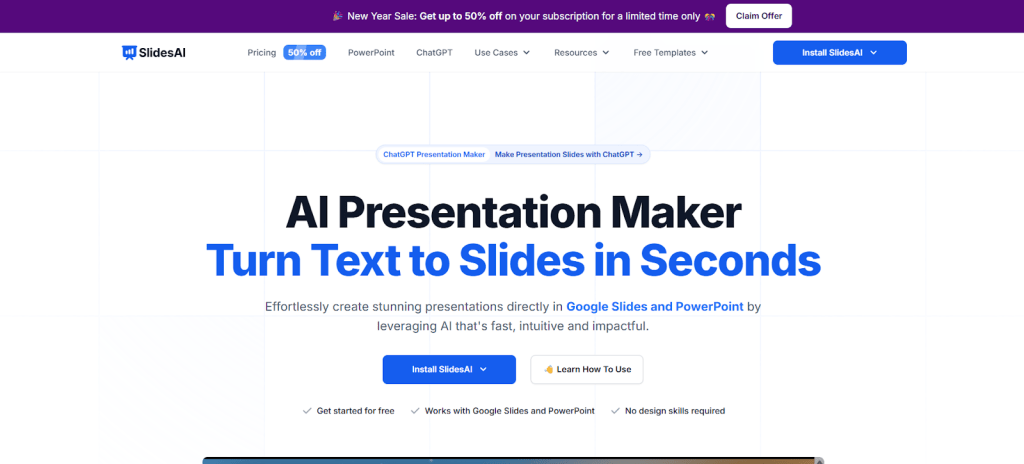
SlidesAI is an AI slides generator that turns your written content into ready-made slides for Google Slides Templates or PowerPoint. Just paste your lesson notes or outline, choose a style, and the tool builds an organised, visual slide deck in seconds. It saves a lot of prep time for lessons, especially when you’re dealing with tight schedules or need to create multiple decks. It also supports over 100 languages, which is great for teachers working in multilingual classrooms.
Why teachers like it:
- Instant text-to-slide creation inside Google Slides
- Clean layouts with visuals, icons, and bullet points
- Quiz and poll options for interactive learning
- Easy to tweak for any grade or subject
3. Genially
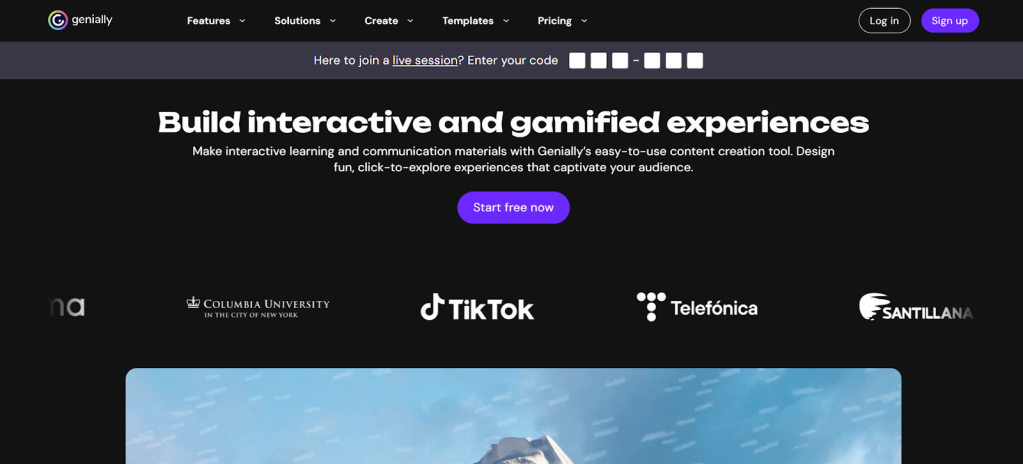
Genially is for teachers who want to make learning more interactive. You can build clickable presentations, escape rooms, infographics, quizzes, and more. It has a drag-and-drop UI and doesn’t require design skills. Students can explore your content like a game, which works great for choice boards and project-based learning.
Why teachers like it:
- Tons of pre-made templates for various formats
- Add videos, links, tooltips, and branching paths
- Built-in quiz elements for checking understanding
- Can be shared as a link, embedded in LMS, or shown in class
4. NotebookLM
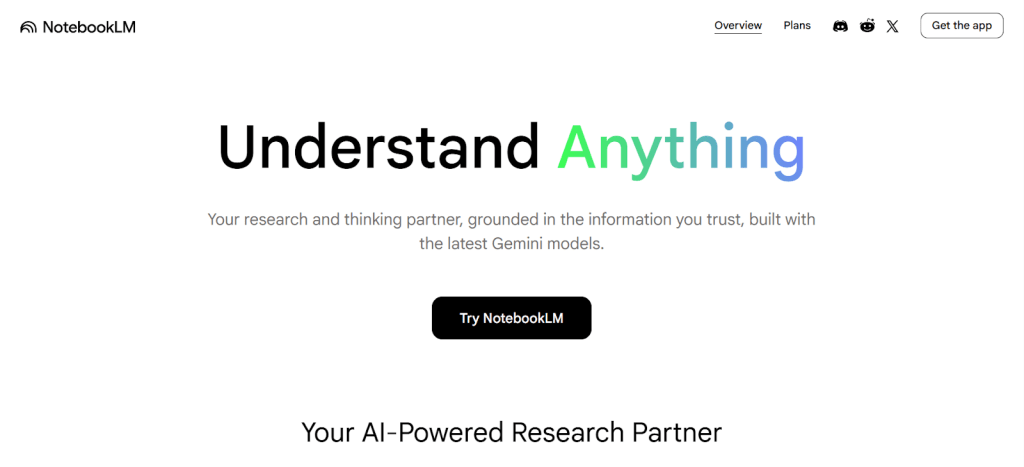
NotebookLM by Google acts like an AI teaching assistant. You upload your lesson materials, and it helps you make summaries, quizzes, and study guides from that content. It only uses the sources you provide, which makes it good for sticking to your syllabus.
Why teachers like it:
- Custom AI chat that sticks to your materials
- Creates flashcards, mind maps, and audio guides
- Generates quizzes with answer keys
- Works with Google Classroom for easy sharing
5. Interactico
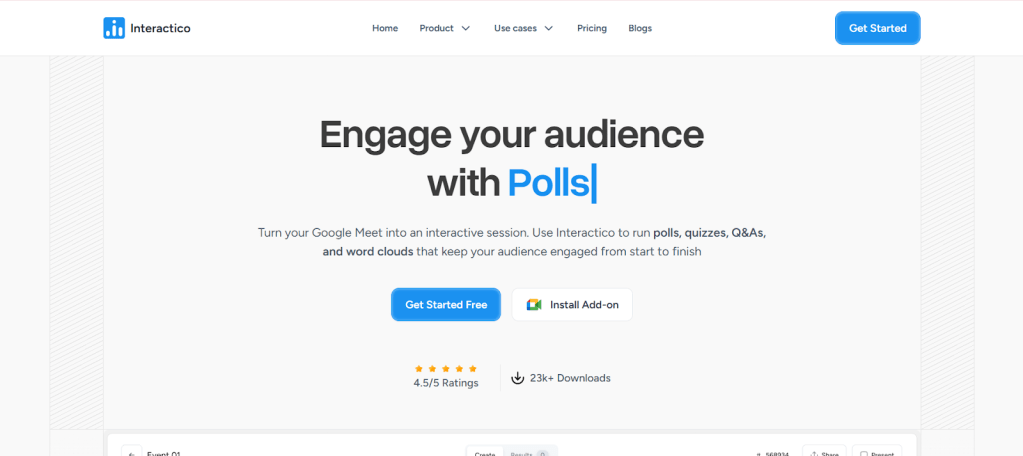
Interactico brings energy to online or hybrid classes. It lets you run live polls, Q&As, quizzes, and word clouds during your lessons. Students respond from their phones or laptops without installing any additional software. Teachers get instant feedback they can use right away.
Why teachers like it:
- Set up polls and quizzes in minutes
- Students join through a link, no sign-in required
- See results live on screen
- Great for engagement and quick feedback
6. Gradescope
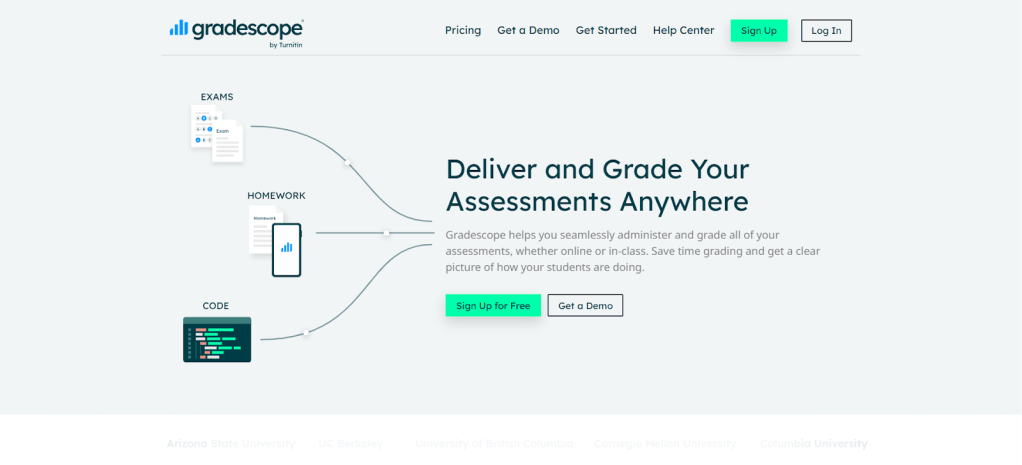
Gradescope helps teachers grade assignments and exams faster, especially when there are lots of students. After collecting the work, whether it’s handwritten, digital, or even code, you upload it to Gradescope. The tool then groups similar answers together using AI, so you only need to grade one answer from the group and apply the same marks to the rest. This saves time and keeps grading consistent. You can also set up clear marking guidelines that help you stay fair while grading.
Why teachers like it:
- Works with paper-based and digital tasks
- Groups with similar answers for batch grading
- Let you create and adjust marking guidelines as you go
- Gives detailed reports on student performance
7. Audionotes
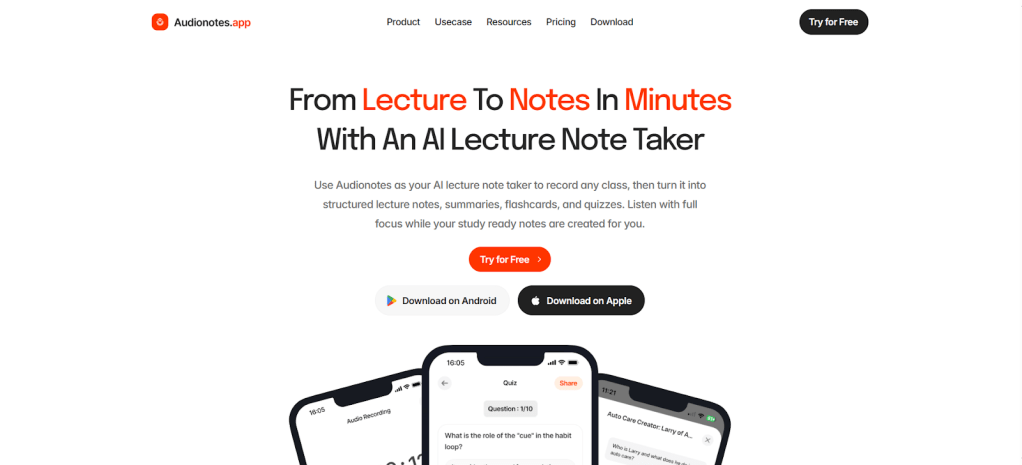
Audionotes is a powerful AI lecture note taker built for both teachers and students. You can record a lecture or upload a video or audio file, and it turns it into clean notes, summaries, quizzes, and flashcards. It’s cross-platform, so notes stay synced across devices.
Why teachers like it:
- Transcribes and summarises lectures
- Creates flashcards and quizzes from content
- Works with YouTube, audio, and video uploads
- Accessible on web and mobile
8. Pangram
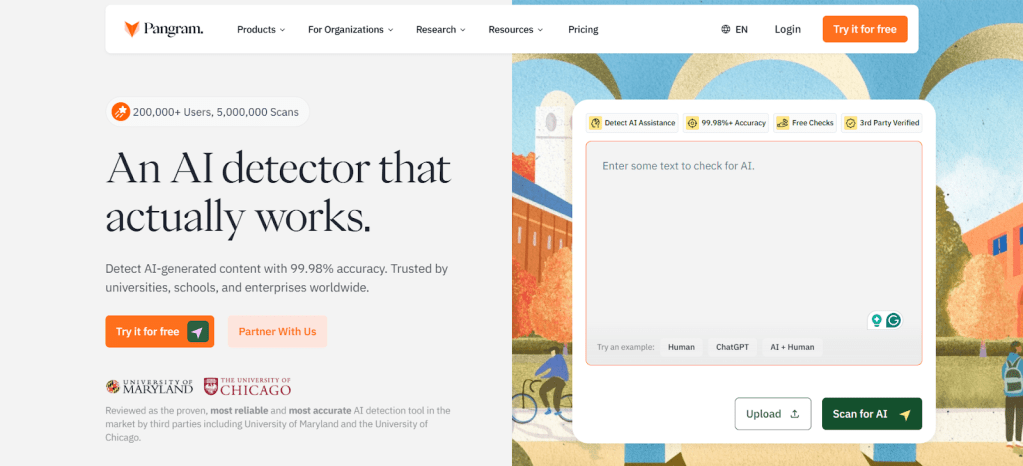
Pangram is a plagiarism and AI-detection tool made for schools. It checks if a student’s work was written or edited using AI tools, or if it’s plagiarised. Teachers can upload files or use it within platforms like Google Classroom. The reports are detailed, and it supports over 20 languages. It helps teachers keep things fair and transparent without extra effort.
Why teachers like it:
- Detects both plagiarism and AI usage
- Gives document-level insights with highlights
- Works with school LMS platforms
- Designed for accuracy with minimal false positives
Closing Thoughts
EdTech tools have become part of how teaching and learning happen every day. From building lesson paths and slides to grading faster and keeping students engaged, these platforms help you save time while staying organised. You don’t have to use all of them at once. Start with the one that solves your biggest classroom challenge, get comfortable, and then expand your toolkit over time. Following this process can make teaching smoother for you and learning clearer for your students.
Author Bio:

Anurag Bhagsain is the Founder of slidesai.io, where he leads the charge in transforming presentation design. With a love for blogging, Anurag uses his expertise to create informative content that educates and motivates. From sharing tips on effective storytelling to simplifying design concepts. Anurag is dedicated to empowering his audience to create compelling presentations. When he’s not immersed in blogging and presentations, Anurag enjoys coding & gaming. You can reach out to Anurag at anurag.b@slidesai.io.
 Online Education and EdTech